Online Student Profile for Language Teachers
What Is an Online Student Profile?
An online student profile is a record that holds everything about one student in a teaching relationship: their personal information, contact details, login/access credentials, and a running history of what's happened in their lessons. It's the digital equivalent of a paper file a tutor used to keep in a binder — except it updates itself as lessons happen and can be checked from a phone.
For a language teacher, that record typically lives inside a dashboard: a single screen where you open a student's name and see their schedule, materials, and progress without digging through email threads or spreadsheet tabs. This is the exact gap many independent tutors and small teaching businesses hit once they pass a handful of students — and it's the problem Umvelo's per-student setup is built around, linking each student's lessons, materials and balance in one place instead of three apps.
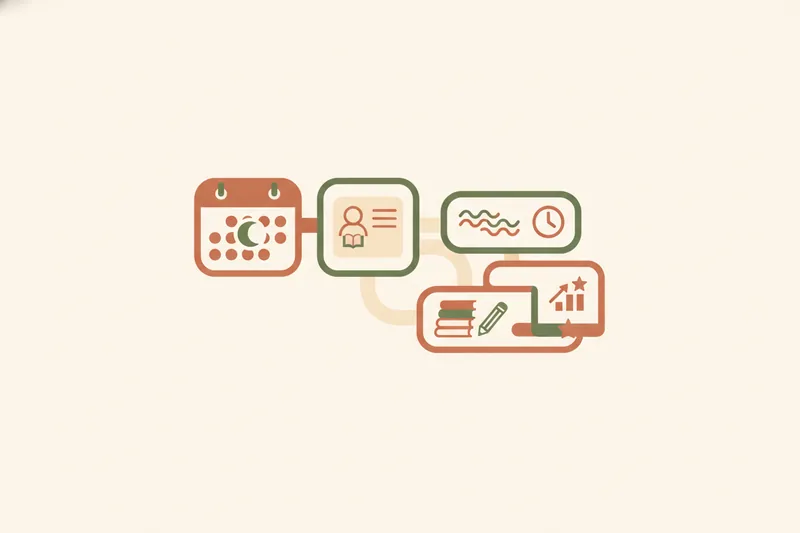
Student profile vs. admissions profile: avoiding the confusion
Searching "student profile" often surfaces results about admissions profiles — the forms universities or schools use to evaluate applicants (grades, test scores, extracurriculars, demographic summaries). That's a different concept entirely. An admissions profile is a snapshot used once, to decide whether to accept someone. A teaching-context student profile is a living record, updated lesson after lesson, used to run the relationship rather than judge whether to start one.
Student Profile vs. Student Portal: What's the Difference?
These two terms get used interchangeably, but they describe different things. The student profile is the data — the record itself: who the student is, what they've booked, what they've paid, what they've studied. The student portal is the interface the student uses to view and interact with that data: a login page where they see their own dashboard, check their schedule, and download materials.
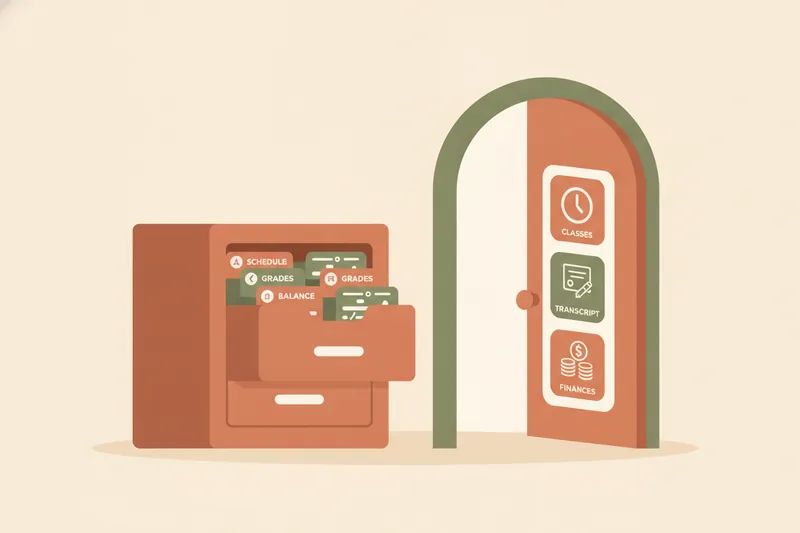
Put simply: the profile is the filing cabinet: the portal is the door the student opens to look inside it. A teacher can maintain a student's profile without giving them portal access at all — some tutors prefer to manage everything themselves and just message updates. But most teaching setups work better when the student can log in independently, using their own login/access credentials, and see their own information without asking the teacher to send it over.
What Information Does a Student Profile Include?
A profile built for language teaching should hold more than a name and email address. At minimum, it needs:
- Personal information — name, contact details, level, target language, and any relevant notes (exam goals, learning preferences).
- Schedule and lesson history
- Grades and progress
- Materials and homework
- Payment balance and receipts
Schedule and lesson history
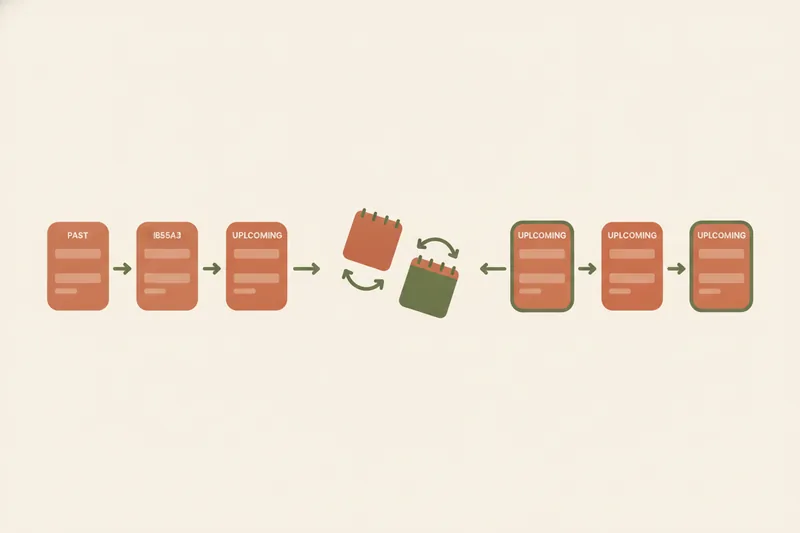
Past and upcoming lessons, including reschedules, so both teacher and student can see attendance patterns without cross-checking a separate calendar app.
Grades and progress
Academic achievements — test scores, completed units, mock exam results — belong in the profile so progress is visible over time, not just remembered by the teacher.
Materials and homework
Files, links, and homework assigned to specific lessons, attached directly to that student's record rather than sent loose in chat.
Payment balance and receipts
How many lessons are paid, planned, and remaining in a package, plus receipts confirming what's been settled — the ledger side of the relationship.
Student Profile Examples for Language Tutors and Small Groups
For a one-to-one tutor, a student's profile might show: 10 lessons purchased, 6 completed, 2 scheduled, a vocabulary list attached to last Tuesday's session, and a balance showing 4 lessons remaining after the last payment was confirmed.
For an exam-prep instructor, the same profile carries more weight on academic achievements — mock test scores logged after each practice session, a homework trail tied to specific IELTS or Cambridge modules, and a schedule dense enough that both student and parent want to check it without emailing the teacher.
For a small group, each student still needs an individual profile even though the lesson is shared: materials go out to the whole group, but balance and attendance are tracked per person, since not everyone joins or pays on the same schedule.
Data Privacy and Visibility: Who Can See a Student's Profile
A student profile only works if visibility is restricted correctly. The teacher should see everything for their own students. A student should see their own schedule, grades, materials, and balance — not another student's. Where parents are involved, parent/teacher visibility needs to be deliberate: some tutors give parents view access to progress and balance, others keep that conversation separate from the student's own login.
This matters for data privacy beyond convenience. Personal information and grades are sensitive, and a profile system that mixes students together, or emails materials to a shared inbox, creates avoidable exposure. A profile structure that keeps each student's record separate — and visible only to the people who should see it — is a baseline requirement, not an extra feature.
How to Create an Online Student Profile for Your Students
Setting one up for a real teaching practice comes down to four linked pieces:
- Start with the schedule. Add the student, book their first lesson, and let every future reschedule update automatically instead of being retyped into a calendar.
- Attach materials as you go. Link files and homework to each lesson so they land in that student's record — not a shared folder they have to search.
- Track the balance. Log the package the student bought and let paid, planned, and remaining lessons update as sessions happen and payments are confirmed.
- Give the student a way in. This is where the student portal comes in — the login that turns the profile from a file you maintain into something the student can check themselves.
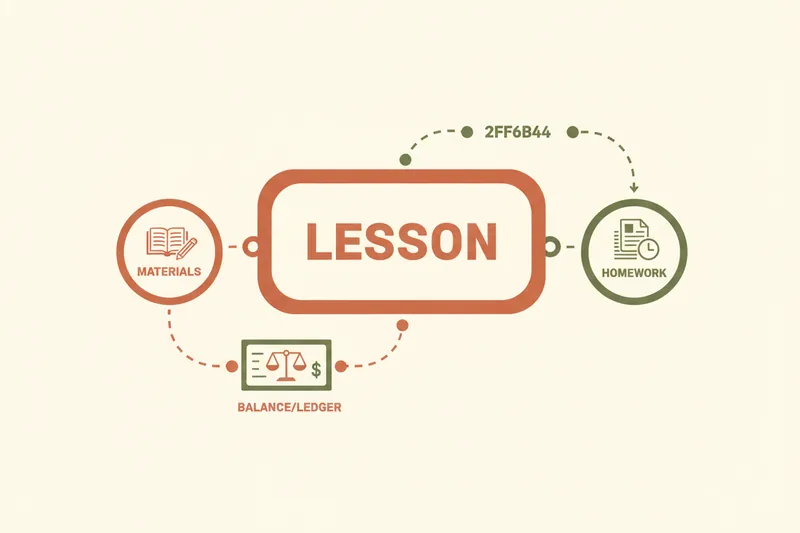
Linking lessons, materials and balance to each student
The value of a profile comes from these three things sitting in one record rather than three tools. A schedule with no materials attached still means digging through chat for last week's homework link; a balance tracked separately from lessons still means manual counting before every renewal conversation.
Connecting Telegram or a personal mini-site
Two access routes fit different teaching setups. A Telegram bot lets students check their schedule, materials, and balance, or send a booking request, directly inside an app they already use daily. A mini-site — a personal page on your own subdomain — gives new students a place to find you and submit a request before they're even a student yet, feeding straight into their profile once accepted.
How Students Access and Log In to Their Profile
Once a profile exists, the student needs login/access credentials to reach it through the student portal. From there, their dashboard shows exactly what the teacher has attached to their record: upcoming and past lessons, grades, homework, and balance. If the teacher has connected a Telegram bot, the student can do most of this without opening a separate app at all — checking their next lesson time or sending a reschedule request from the same chat they already use.
Benefits of an Online Student Profile for Teachers, Students and Parents
For the teacher, one record per student replaces spreadsheets, message threads, and manual balance counting. For the student, a single login shows their schedule, materials, and academic achievements without asking. For parents, correctly scoped parent/teacher visibility means progress and payment status are visible without turning into a separate email thread.
The result isn't more admin — it's less, because the schedule, materials, and balance stop living in different places. If you want to see what that looks like for your own students, request access to Umvelo and set up a student profile for your first class.